Animated title maker
Make an animated text video.
Build timed title sequences with text layers, keyframes, and a dedicated motion workspace for more advanced animation.
Start with editable text
Opens a 16:9 project on the Text panel.
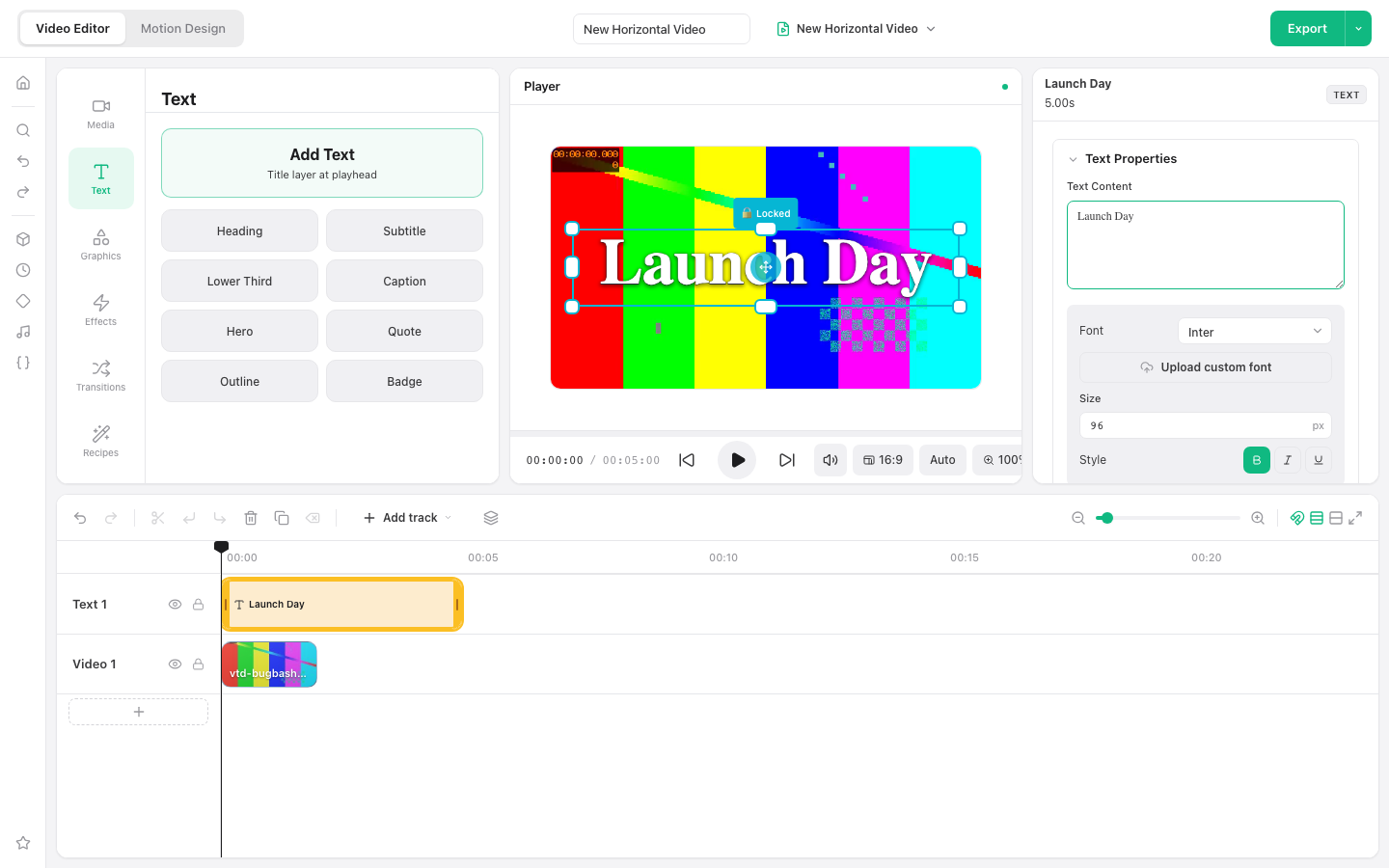
Requires a current desktop browser. No account is required.
Choose the right animation depth
Use the video editor for text over footage and timeline-based timing. Use Motion Design when the title animation itself is the main composition and needs more dedicated controls.
How to make an animated text video
Create the text layers
Open Text and add the title presets needed for the sequence.
Set the visual style
Edit the words, font, size, color, outline, and placement for each layer.
Build the timing
Move and trim text clips, then use keyframes or Motion Design for animated changes.
Preview and export
Play the full title sequence, check readability, and export the final video.
Ways to use this workflow
Title sequence
Reveal a video title across several timed text layers.
Kinetic quote
Break a short quote into paced, editable phrases.
Social opener
Create a fast text-led introduction before the main footage.
Browser limit: Keep each message short enough to read at normal playback speed. Advanced motion work benefits from a desktop browser with graphics acceleration.
Frequently asked questions
Can I animate text over a video?
Yes. Add text above the video, control its timeline duration, and use supported keyframe or motion controls.
What is the difference between Video Editor and Motion Design?
Video Editor is best for text layered over footage. Motion Design is intended for dedicated animated compositions.
Can I use multiple text styles?
Yes. Each text clip can have its own content, font, size, color, outline, and timing.
Does export include a watermark?
No. VideoToolDeck does not add its own watermark to the exported video.