Private browser video editor
Private online video editor with a full timeline.
Arrange clips on a multitrack timeline, add audio and text, apply transitions and effects, then export from your browser. Your source media stays on this device.
VideoToolDeck Editor
Desktop browser workspace for complete video projects.
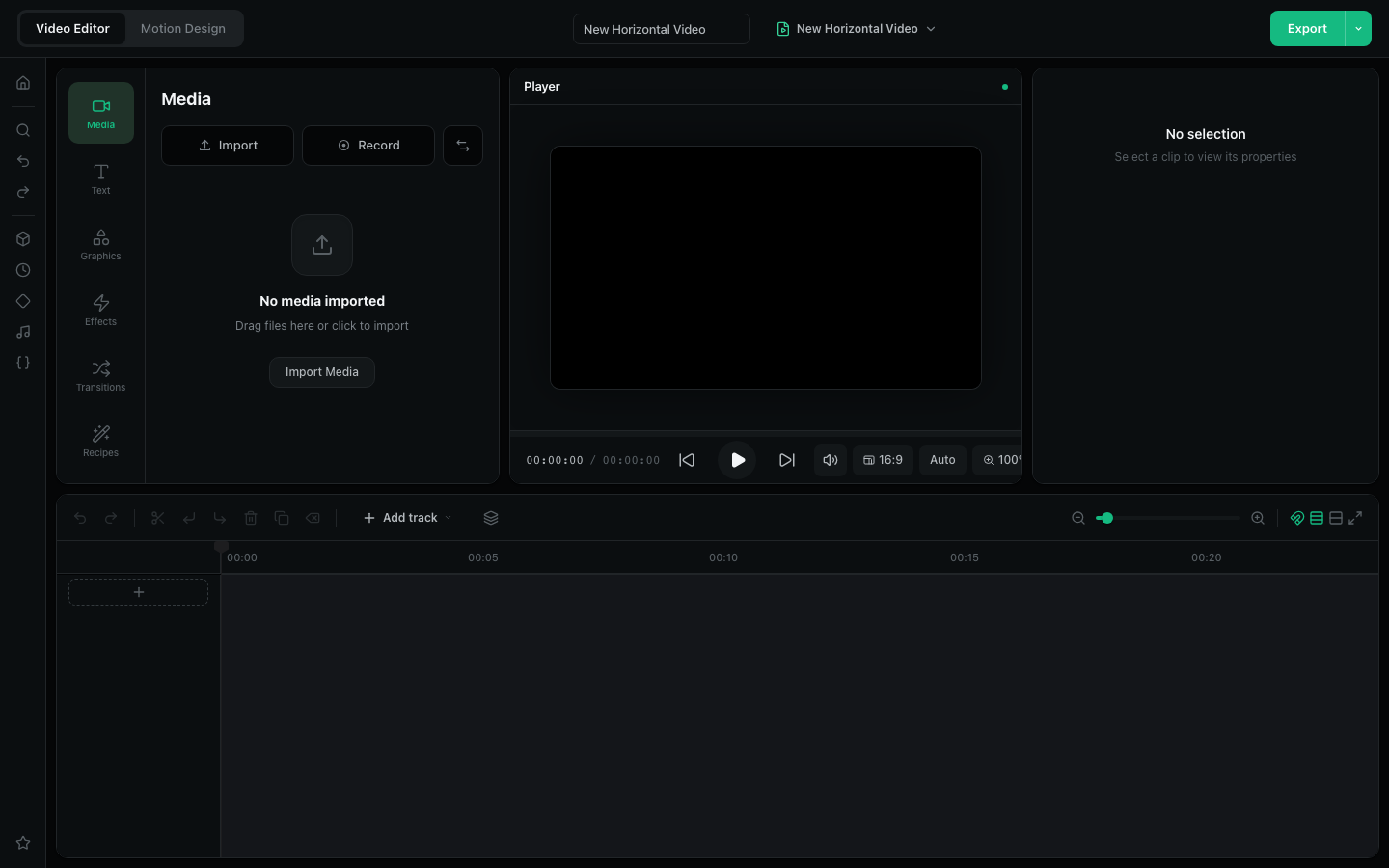
Requires a current desktop browser. Large projects depend on available memory and graphics support.
One workspace for complete edits
Use the editor when a single-purpose trim, crop, or conversion tool is not enough. It keeps media, preview, clip controls, and a multitrack timeline visible together so you can build a complete sequence before export.
Browser editing is best for short and medium projects. Long 4K footage can exceed browser memory; use smaller proxy files or a desktop editing application for demanding productions.
What you can edit
Video and audio tracks
Import local media, arrange clips, trim timing, mix audio, and control playback.
Text and visual layers
Add titles, shapes, transitions, effects, keyframes, and motion compositions.
Local export
Render the finished project in the browser and download the resulting file.
Frequently asked questions
Is this editor free?
Yes. The browser editor does not require an account or paid plan.
Are my video files uploaded?
No. In the default local-only build, imports, editing, project storage, and export remain on your device.
Does export add a watermark?
No. VideoToolDeck does not add a logo, outro, or watermark to the file you export.
Does it work on phones?
The editing workspace is designed for desktop and laptop screens. The page will ask mobile visitors to continue on a larger screen.